Hi everyone, welcome back to autocadtip.com
Autodesk released AutoCAD 2027 in March 2026, and the update focuses on teamwork, cleaner drawings, and AI help rather than a new interface. In this guide, you will find the AutoCAD 2027 new features that matter most, plus what Autodesk removed, so you can decide if it is time to upgrade.
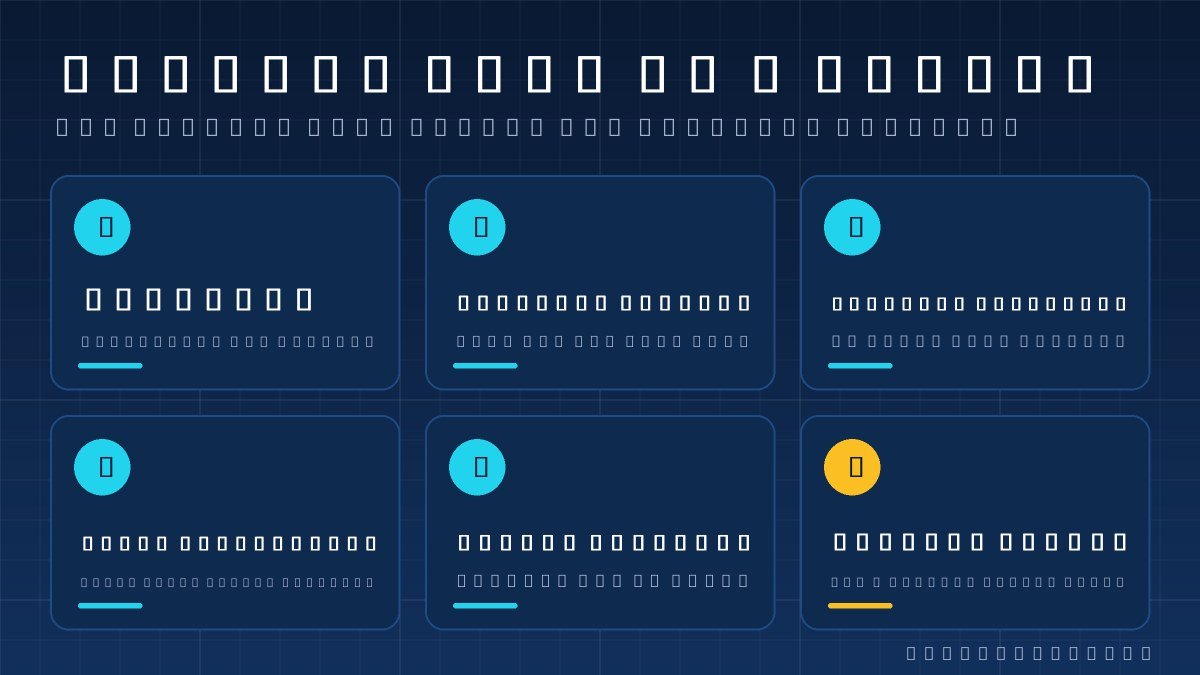
AutoCAD 2027 New Features at a Glance
- Checkout: edit the same DWG file with teammates at the same time.
- Geometry Cleanup: detect and fix gaps, overshoots and misaligned angles.
- Autodesk Assistant (tech preview): AI chat and prompt-driven workflows.
- Forma Data Management Essentials: cloud collaboration included with standalone subscriptions.
- Faster layouts and 3D graphics: the Realistic (Fast) visual style is now on by default.
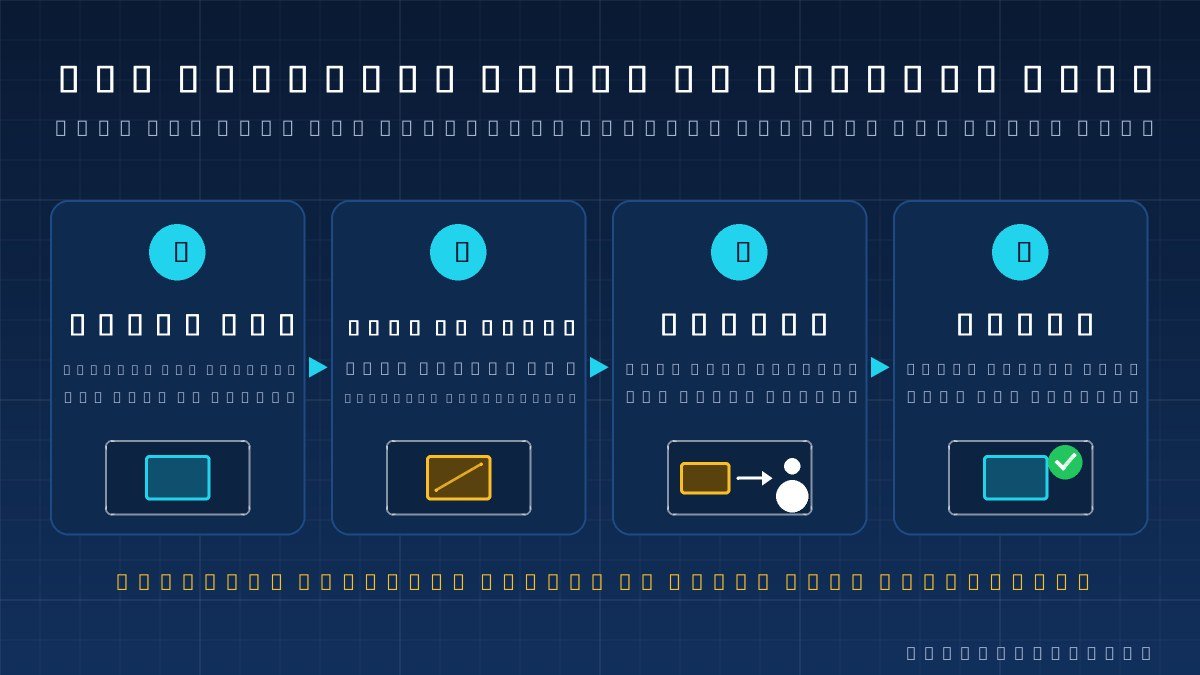
1. Checkout: Multi-User DWG Editing
Normally, if a colleague has a drawing open for editing, you have to wait until it is released. Checkout changes that for drawings stored in Forma Data Management. You check out only the objects you need, edit them in the Trace environment, and submit your changes for review. The user with read-write access then merges them into the drawing.
The AutoCAD 2027.1 update goes further: read-only drawings can now open in Checkout, and performance with unsaved objects is better.
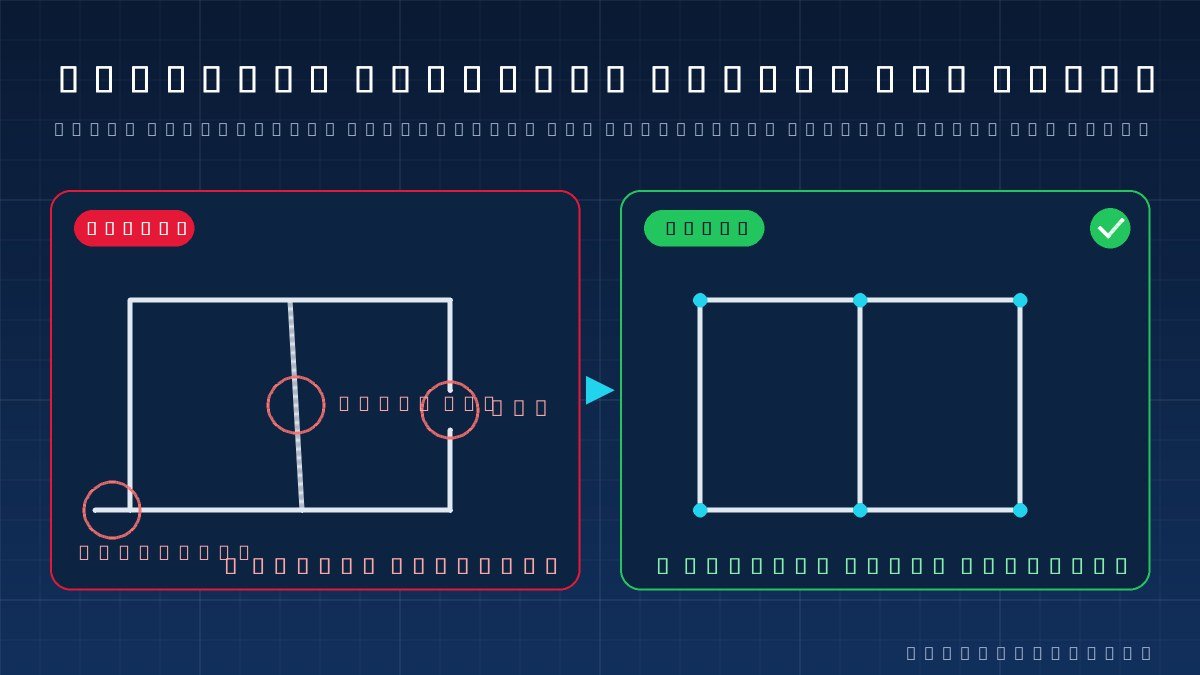
2. Geometry Cleanup: Fix Drawing Errors Faster
Geometry Cleanup scans your drawing for common geometry errors such as gaps, overshoots, undershoots and misaligned angles. It marks the problems in the drawing window and offers fixes. Cleaner geometry also makes later steps, such as dimensioning and hatching, easier.
3. Autodesk Assistant: AI Help Inside AutoCAD
The Autodesk Assistant is still a tech preview, but it keeps getting more useful. You can upload a reference file and use conversational prompts to check your drawing against your company CAD standards. The 2027.1 update adds smarter object counting, selection-aware analysis, context-aware unit reporting and personalized recommendations. Because it is a preview, expect its behavior to change.
4. Forma Data Management and Connected Workflows
Forma Data Management replaces Autodesk Docs, and the Essentials edition now ships with standalone AutoCAD subscriptions. Three related features make cloud projects easier to manage:
- Connected References: update the paths of missing xrefs from the External References palette.
- Connected Support Files: share tool palettes and partial CUIx files with everyone on the same project. Need the basics first? See our guide to AutoCAD support file locations.
- Push to Forma Data Management: replaces Push to Autodesk Docs.
5. Faster Layouts and Better 3D Graphics
Switching between layout tabs is now faster. The 3D graphics system, controlled by the FASTSHADEDMODE system variable, handles large coordinates, occluded edges, materials, lights, textures and shadows better. On Mac, OpenGL is gone and Metal is the only graphics engine.
6. Small Improvements in the 2027.1 Update
- Sheet Set Manager lets you edit common properties of several sheets at once.
- The polyline grip menu has clearer items and a new Lengthen option for start and end points.
- Ctrl+A selects all text in attribute dialog boxes.
SAVEASnow performs a full save.
What Was Removed in AutoCAD 2027?
- Web & Mobile:
OPENFROMWEBMOBILEandSAVETOWEBMOBILEare gone. Use Forma Data Management instead; no drawing data was lost. - Shared Views: also replaced by Forma Data Management.
- MrSID images: save them in a supported format and reattach them.
- PSOUT: PostScript export is removed. Configure a PC3 file instead.
AutoCAD 2027 System Requirements
AutoCAD 2027 needs a 64-bit version of Windows that Microsoft still supports, and it installs Microsoft .NET 10 if it is missing. If you rely on .NET add-ins, check that they support AutoCAD 2027 before you upgrade.
Should You Upgrade to AutoCAD 2027?
If your team shares drawings through Autodesk’s cloud, Checkout and Connected References are strong reasons to upgrade. If you work alone, Geometry Cleanup and the graphics gains are welcome but evolutionary. For the full list, read Autodesk’s official What’s New in AutoCAD 2027 page. Looking back? Here are the new features in AutoCAD 2024.
AutoCAD 2027 FAQ
When was AutoCAD 2027 released? In March 2026.
Does AutoCAD 2027 include AI features? Yes. The Autodesk Assistant is available as a tech preview.
Is there a free trial? Yes. Autodesk offers a 15-day free trial of AutoCAD 2027.